Capture a thought where it happens. Let the connections you never noticed find their way back to you.
Download Arf → A desktop app for Windows, macOS, and Linux. No account — your notes stay on your device. Free and open source — read the source.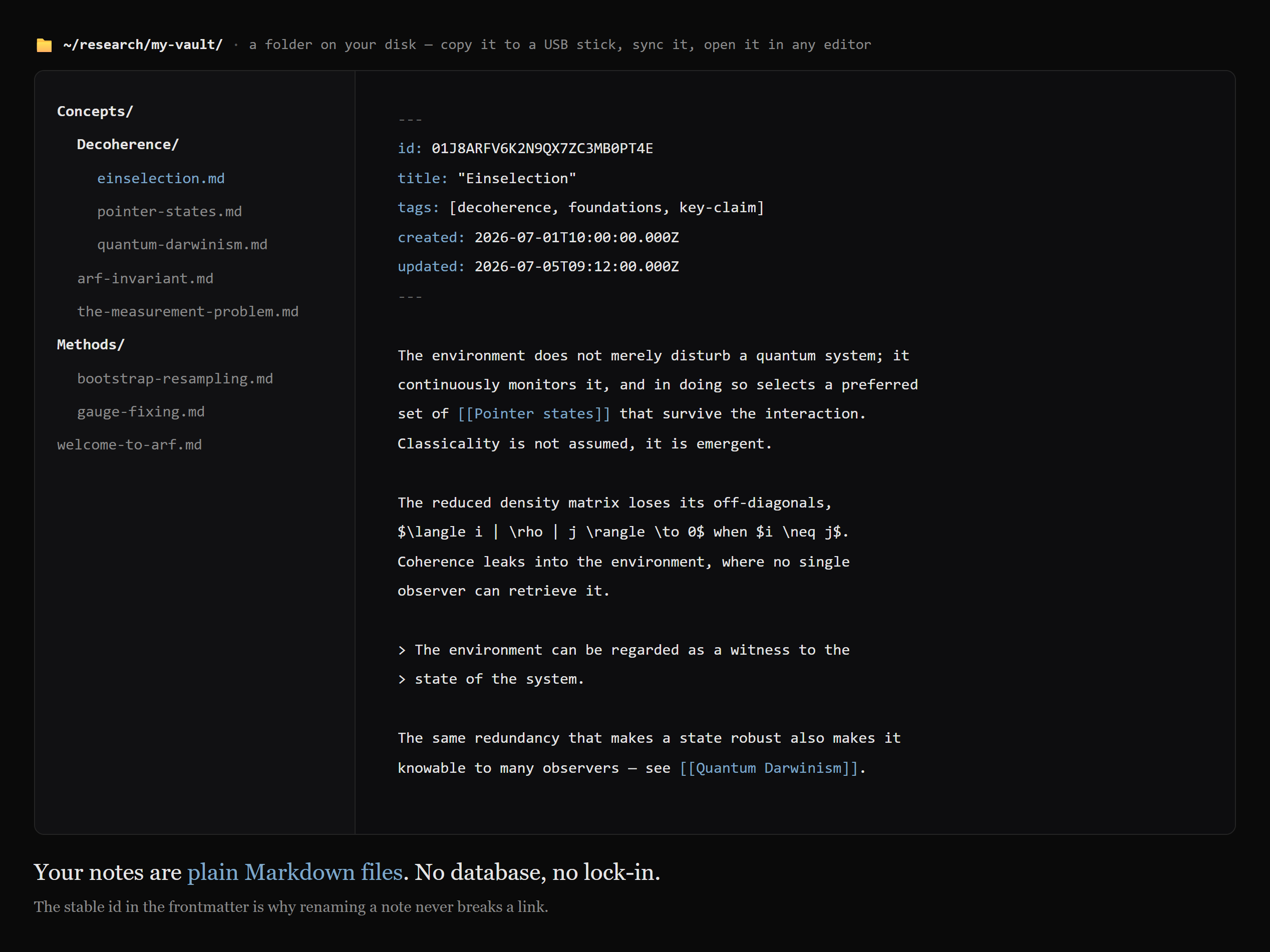
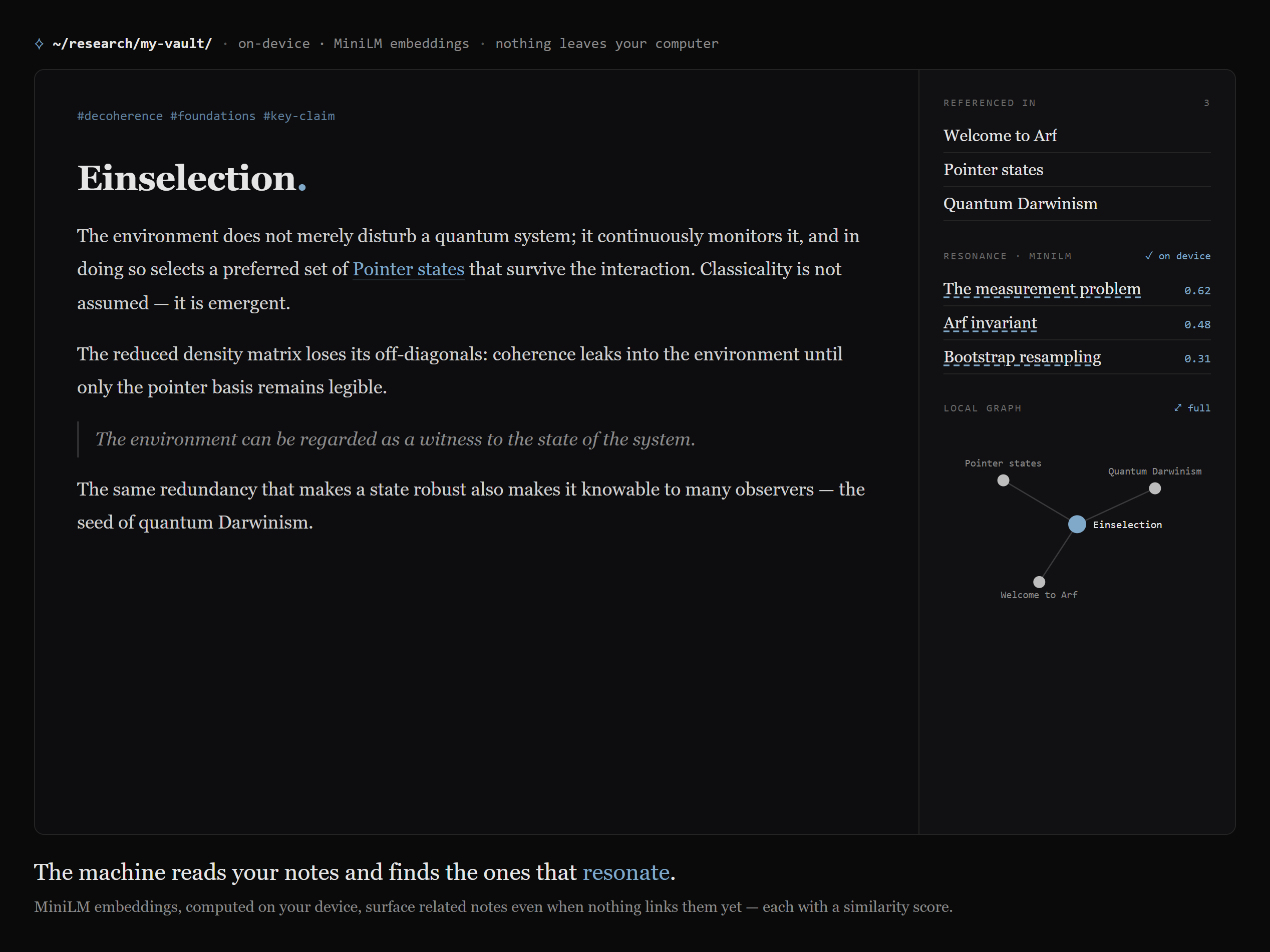
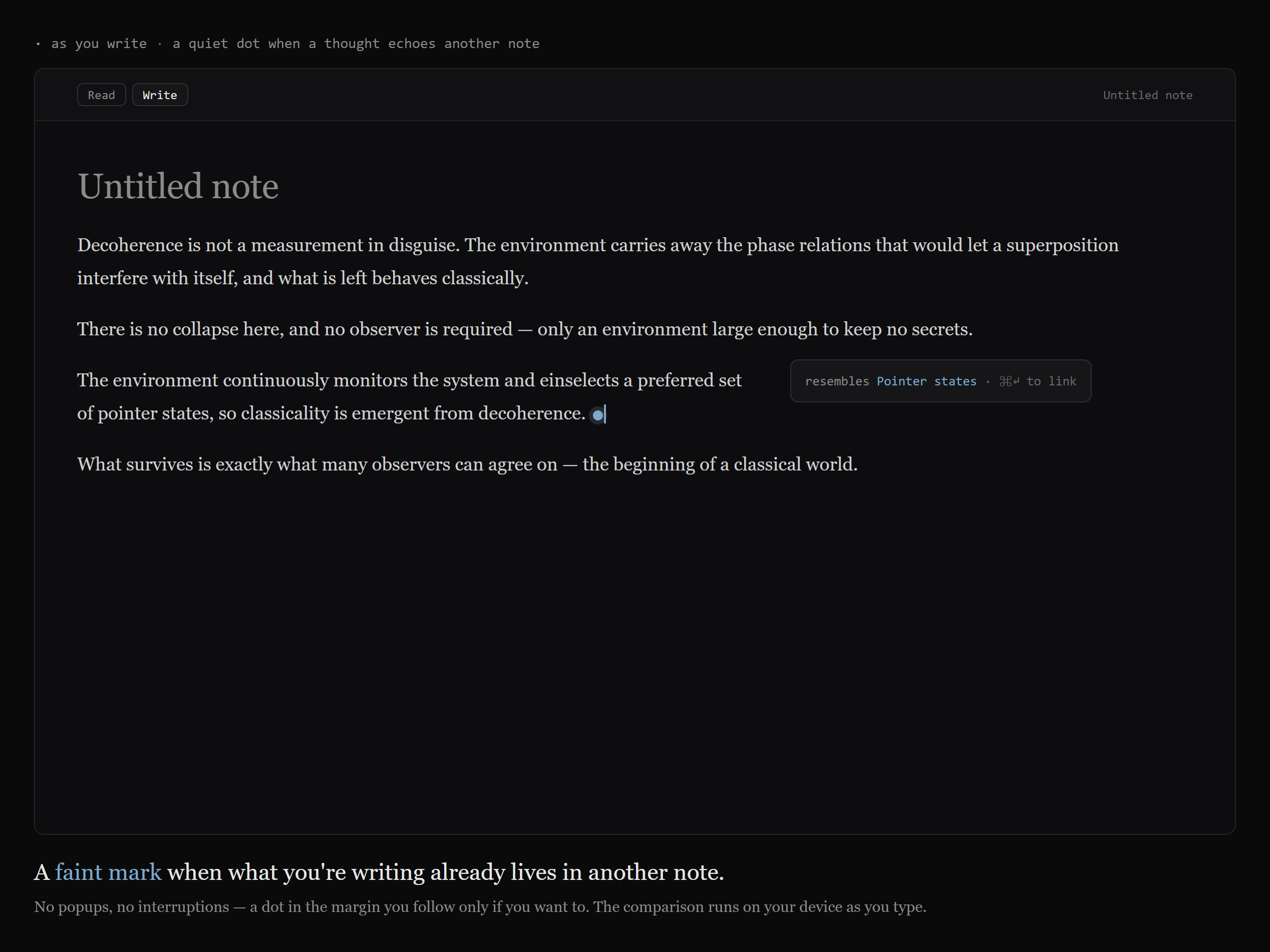
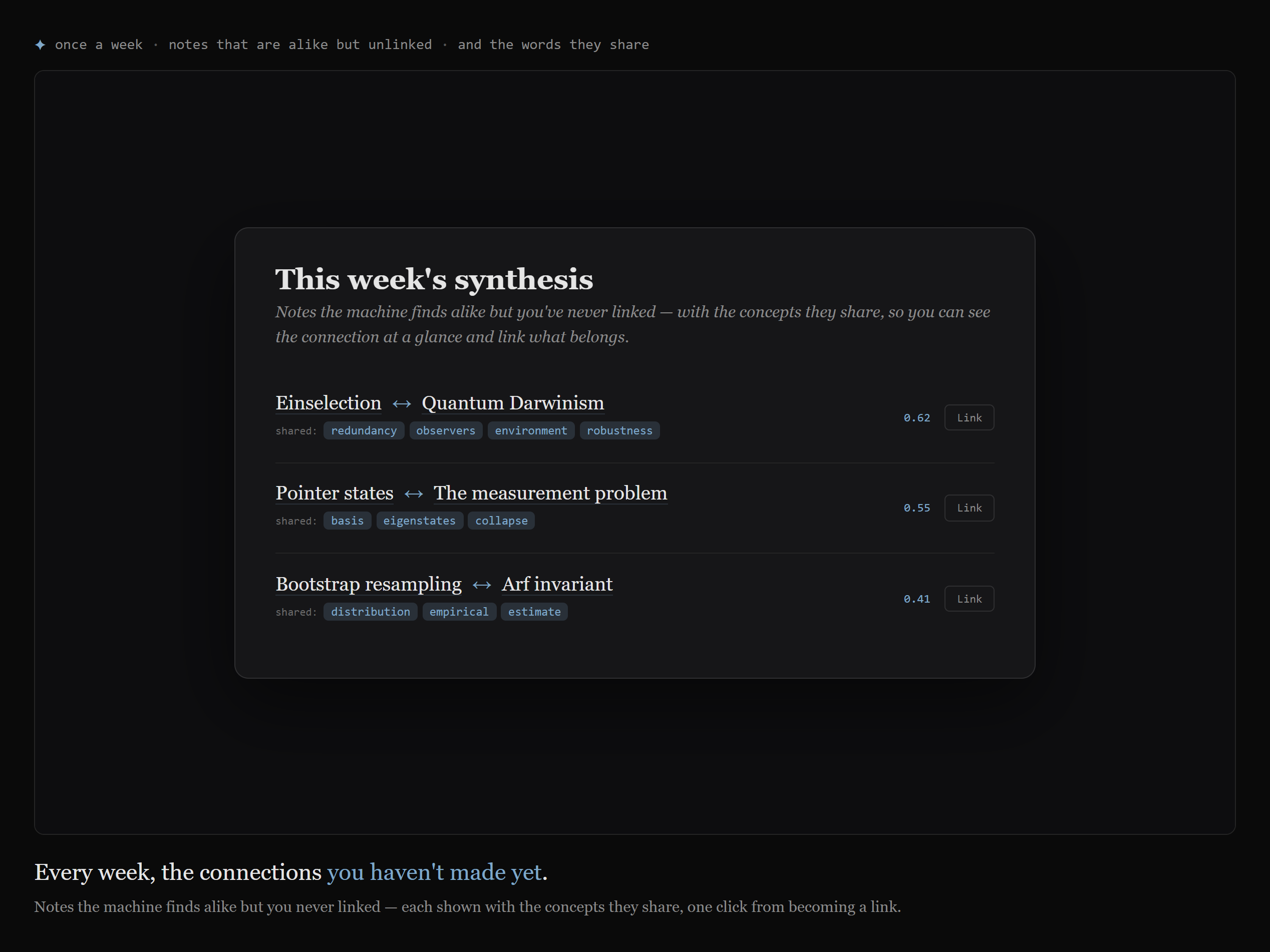
Arf is a note-taking tool for scientists, researchers, and coders. You write notes on papers, books, and concepts; you link them; and a small machine that runs entirely on your own computer watches for ideas that belong together and quietly points them out. The result is meant to help you distill insights you could not see when the thoughts were scattered.
Three commitments shape everything else. The first is that your notes are plain files you own — a folder of Markdown you can copy to a USB stick, keep in a synced folder, push to GitHub, or read in any editor forty years from now. The second is that the machine is private: the model runs on your device, and your text never leaves it. The third is that Arf is open — free and MIT-licensed, its source there to read, so the first two are claims you can verify rather than trust.
The name
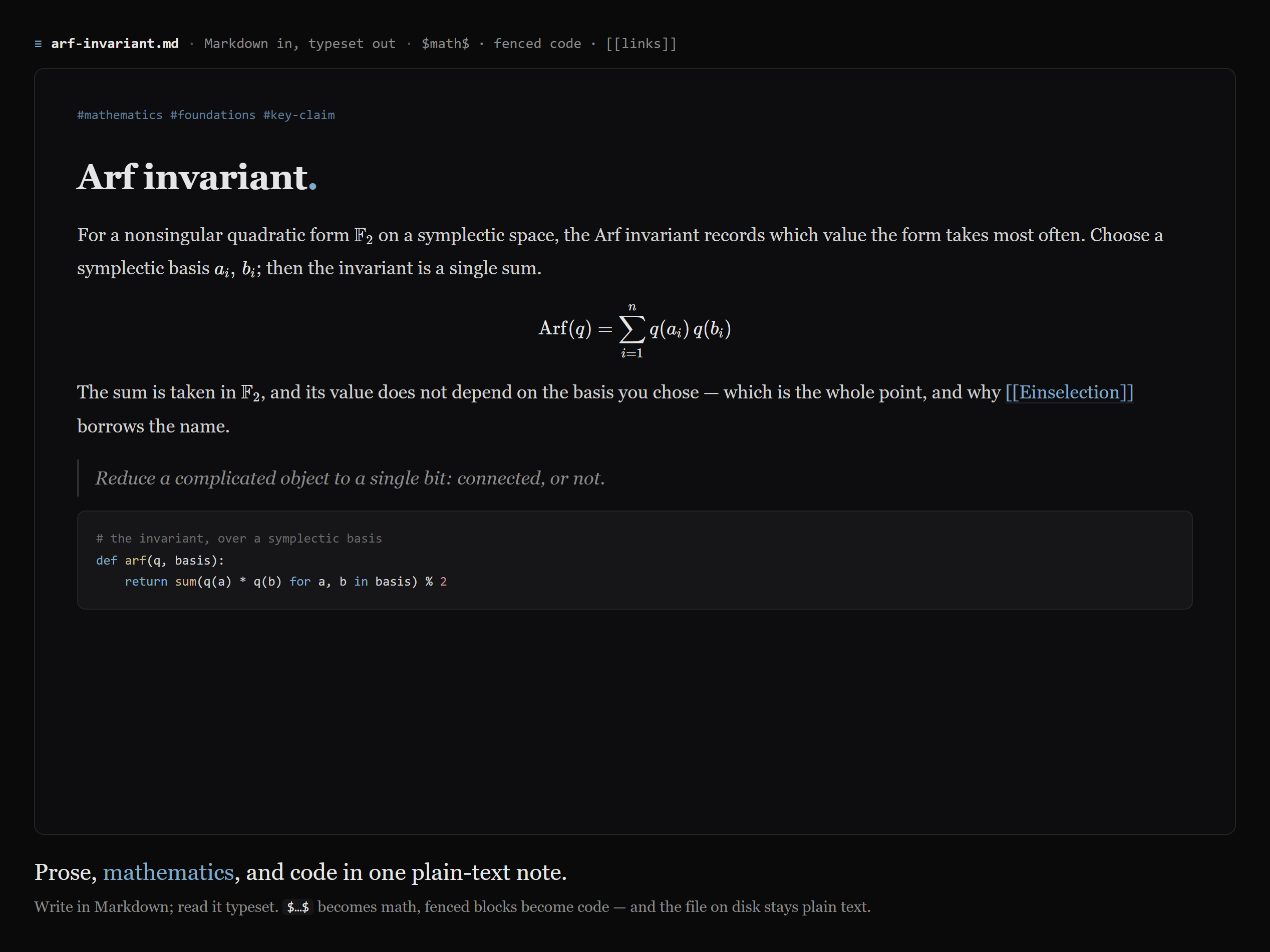
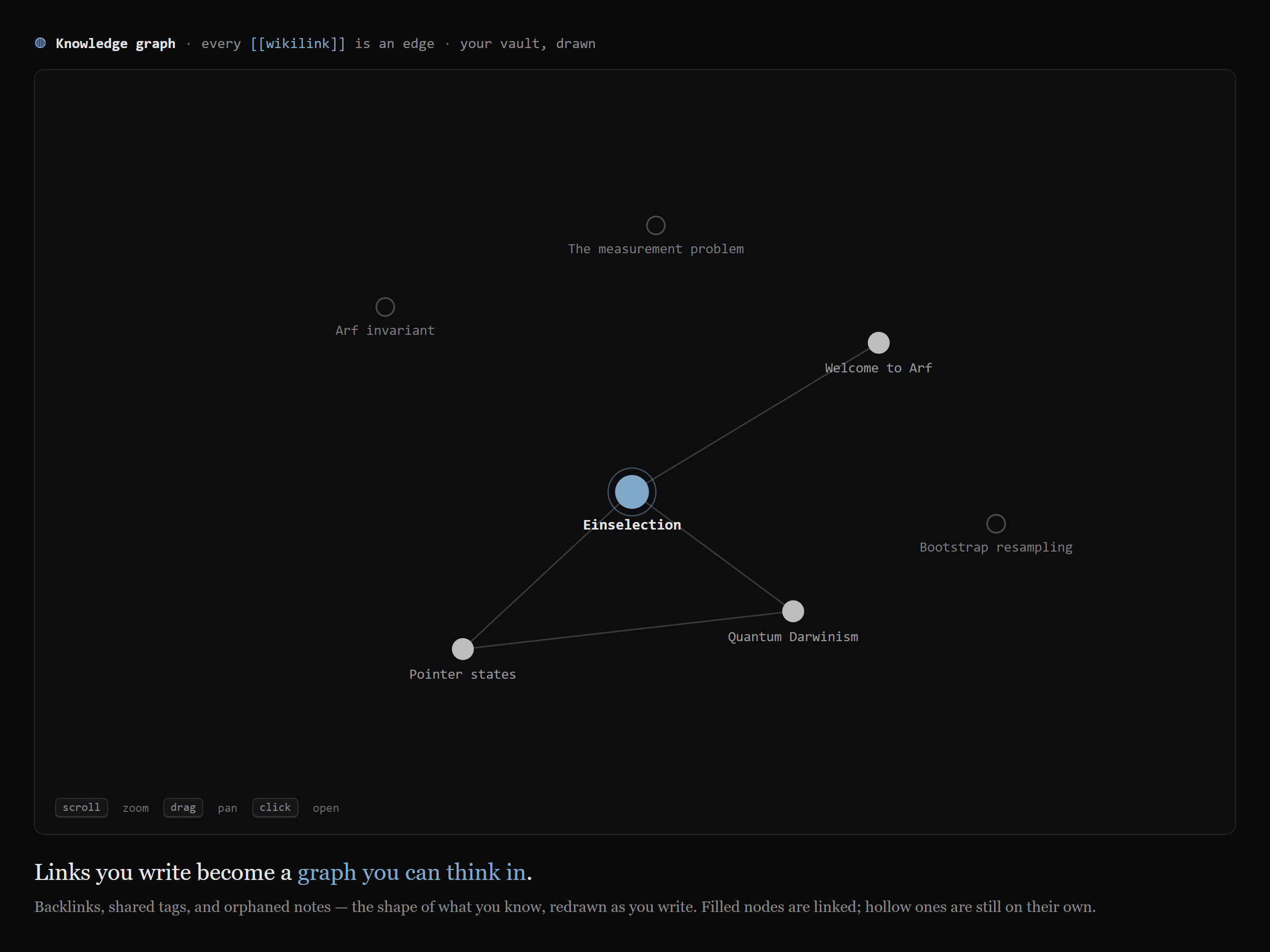
Arf is named after Cahit Arf (1910–1997), the Turkish mathematician. His best-known idea, the Arf invariant, reduces a complicated object to a single bit — connected, or not. That spirit runs through the tool: the quiet question behind a second brain is always whether a thought has found its place yet. Every note in Arf wears a small mark for exactly that, a filled dot once it is linked and a hollow one while it stands alone.
Everything — your notes, the graph, and the suggestions from the on-device machine — runs on your own computer. There is no account and no server, and your text never leaves your device. See The Machine for how the private suggestion engine works.
Get Arf
Arf is a desktop app. Download the installer for your system from the releases page — an .exe for Windows, a .dmg for macOS, an .AppImage or .deb for Linux. At first launch Arf asks you to choose the folder that will hold your notes; that folder is the vault. There is no account to create.
Where to start
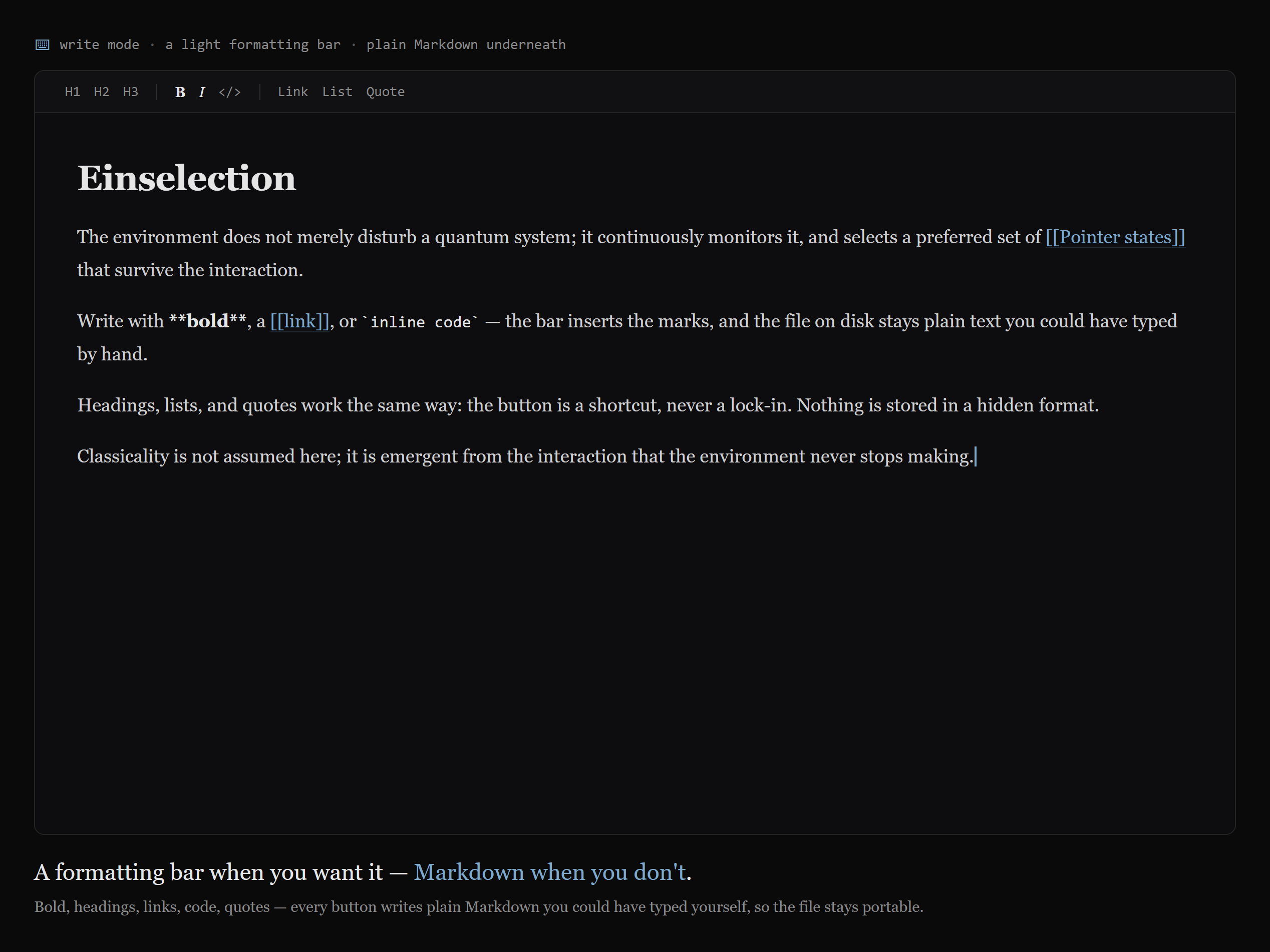
Read Writing & reading to see how a note is made, then Links & the graph for how notes become a network. The Machine explains the private suggestion layer, and Your data covers the part that matters most: that the whole thing is yours to keep.